



SFX Reel: Turning Rough Video Cuts Into Layered, Dialogue-Safe Sound Effects
A practical look at SFX Reel, an AI sound effect generator that rebuilds a video’s audio layer from the footage while keeping the original dialogue intact, and also turns plain text into sound.

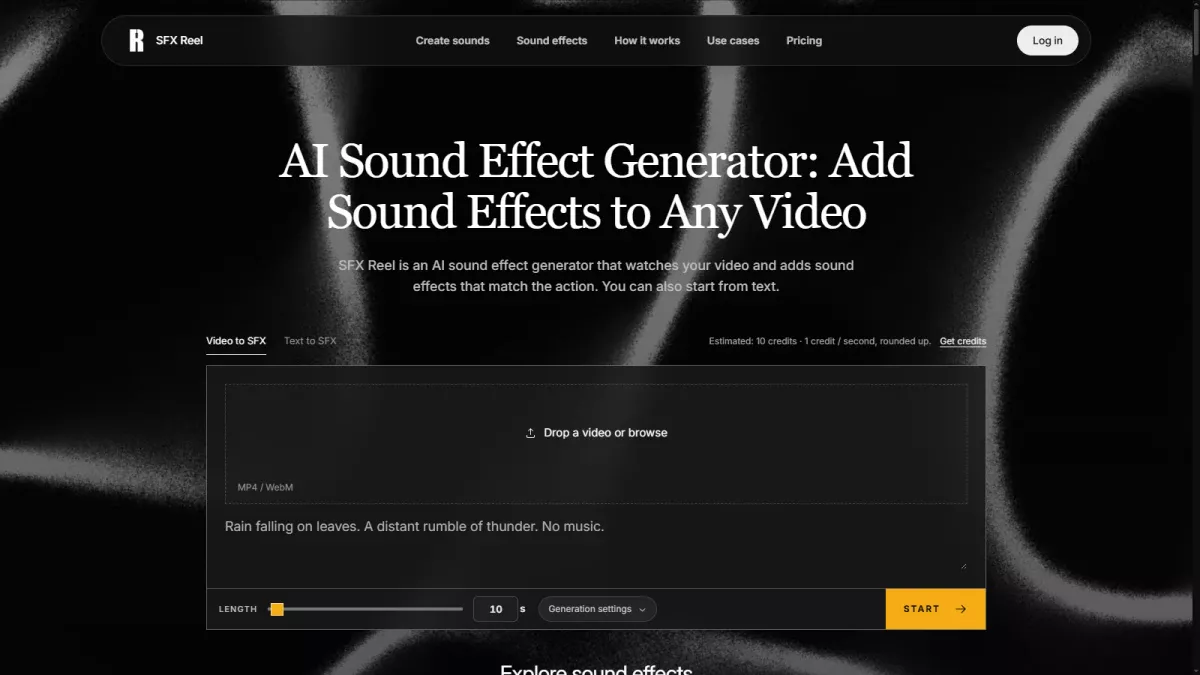


Sound design is often the last task in a video edit, and the one most likely to get cut for time. SFX Reel is an AI sound effect generator that approaches this differently: instead of asking you to browse libraries by keyword, it works from the footage itself. According to the product page, it reads a clip and proposes a matched sound layer that fits the picture, which is a useful shortcut when you already know what the scene should feel like but not what the effect is called.
Why working from the video matters
The usual workflow is to guess a category, audition ten samples, and hope one sits under the cut. Generating effects from the video reverses that: the reference is the frame, not a folder. For short-form edits where the rhythm is set by the picture, having the audio follow the visual saves a loop of searching and re-timing that rarely produces a better result than the first instinct.
Keeping the original dialogue in place
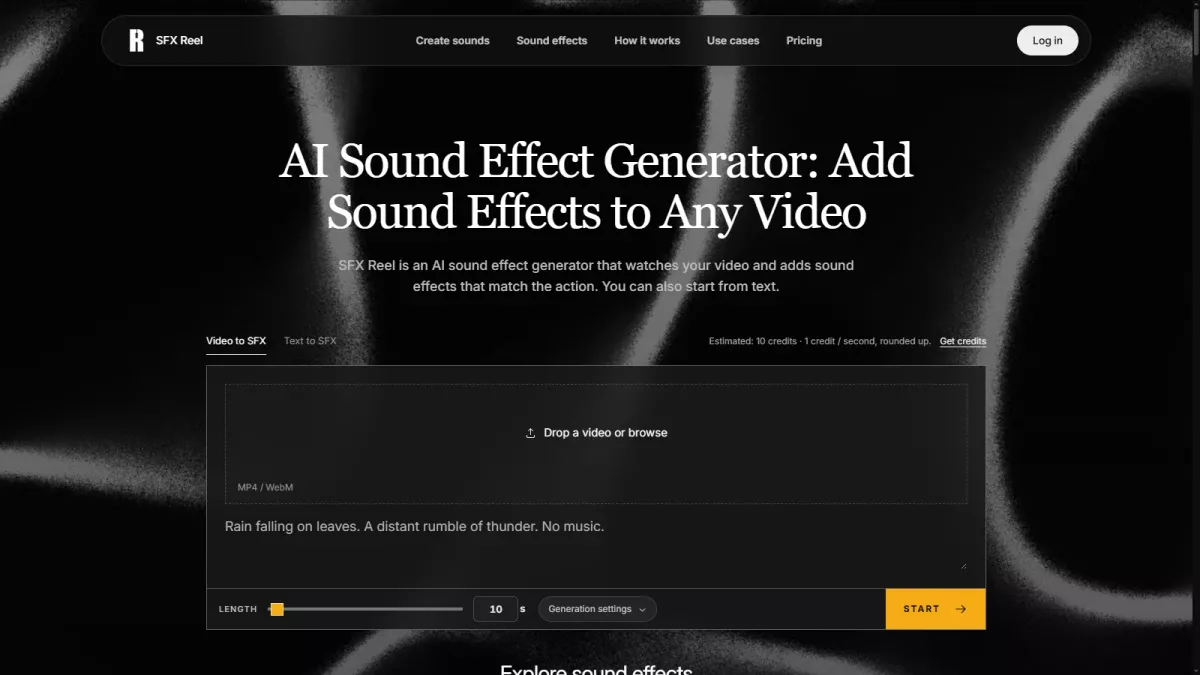
One concern with any automated audio pass is that it drowns the voices. The product is described as preserving the original dialogue while it adds the new layer, so the spoken track is treated as something to keep rather than something to replace. That distinction is what makes it usable on talking-head or interview footage, where a wiped voice track would make the result unusable.
Text-to-sound as a second path
Beyond footage, the tool also supports plain-text prompts for sound generation. When you do not have a reference clip, you can describe the effect and let the model propose candidates. This is the path to use for placeholder passes early in an edit, or for sounds that have no obvious visual trigger in the shot.
A simple production workflow
A workable routine is to drop a locked picture into SFX Reel, accept a first pass of matched effects, then mute or replace anything that fights the dialogue. For scenes that need a bespoke texture, switch to the text prompt and audition a few generations before committing. Treat the output as a starting point: the goal is a layered, picture-locked soundtrack, not a finished mix.
Where it fits
For editors shipping high volumes of short content, the value is the removal of the audition loop. For slower projects, it is a way to pressure-test a sound idea before spending time on a hand-built effect. Either way, SFX Reel is most useful when you already have a cut and want the audio to catch up to it.
Reward this post with your reaction or TipDrop:
 Like
0
 Dislike
0
 Love
0
 Funny
0
 TipDrop
0
 Sad
0
 Angry
0
















Comments (0)