



Grok Voice 3.0: A Voiceover Workflow Built Around the Script
A practical look at building voiceover and transcript work in one browser workspace, from script prep to captions and reusable takes.

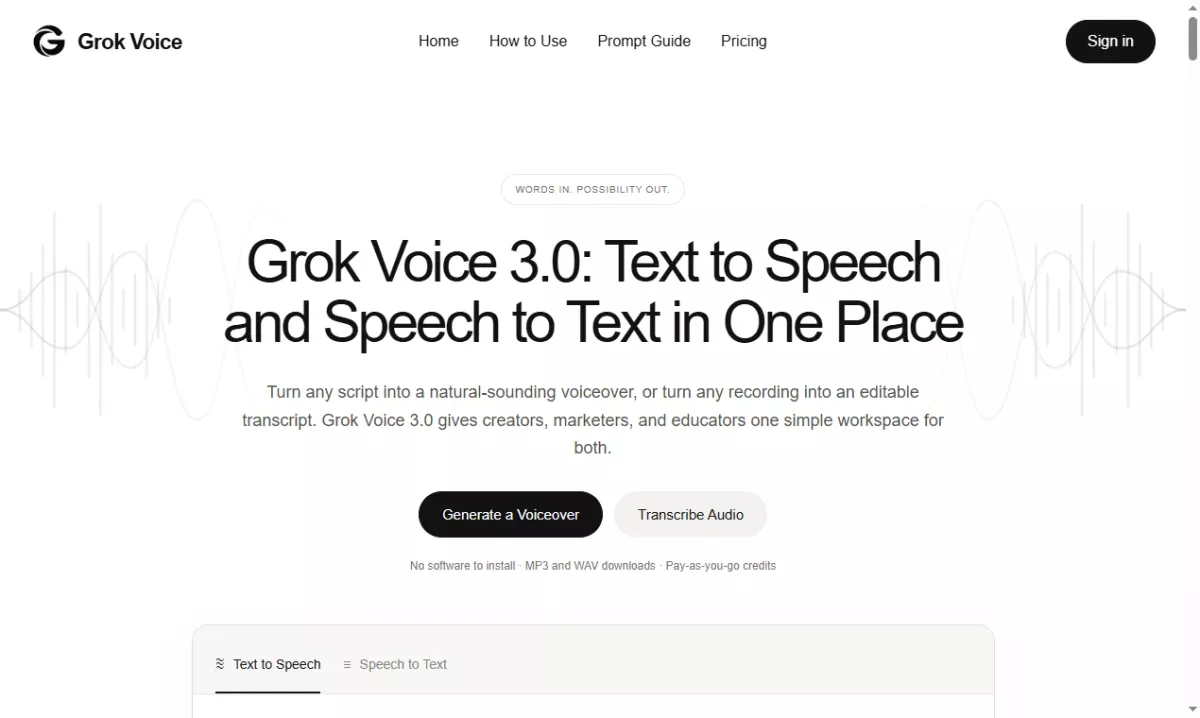


Most voiceover work does not fail at the microphone. It fails earlier, in the script and in the handoff between the person who wrote the words and the person who has to read them. Grok Voice 3.0 is aimed at that gap: a browser workspace where a script becomes narration, and a recording becomes editable text, without moving between a text to speech tool, a transcription service and a folder full of exports.
The usual production chain has three separate stops. A writer drafts in a document, a voice tool turns the draft into audio, and a transcription tool handles anything that arrived as a recording instead of text. Each stop has its own account, its own export format and its own naming convention, so a small revision turns into a small project. Consolidating those stops is the actual promise here, not the novelty of synthetic speech.
The text to speech side starts from a pasted script. You pick a voice and a language, adjust the audio settings for the job, and generate a take that you can listen to before committing it to an edit. Output is available as MP3 or WAV, which covers the two cases most projects actually need: a compressed file for review and an uncompressed file for the timeline.
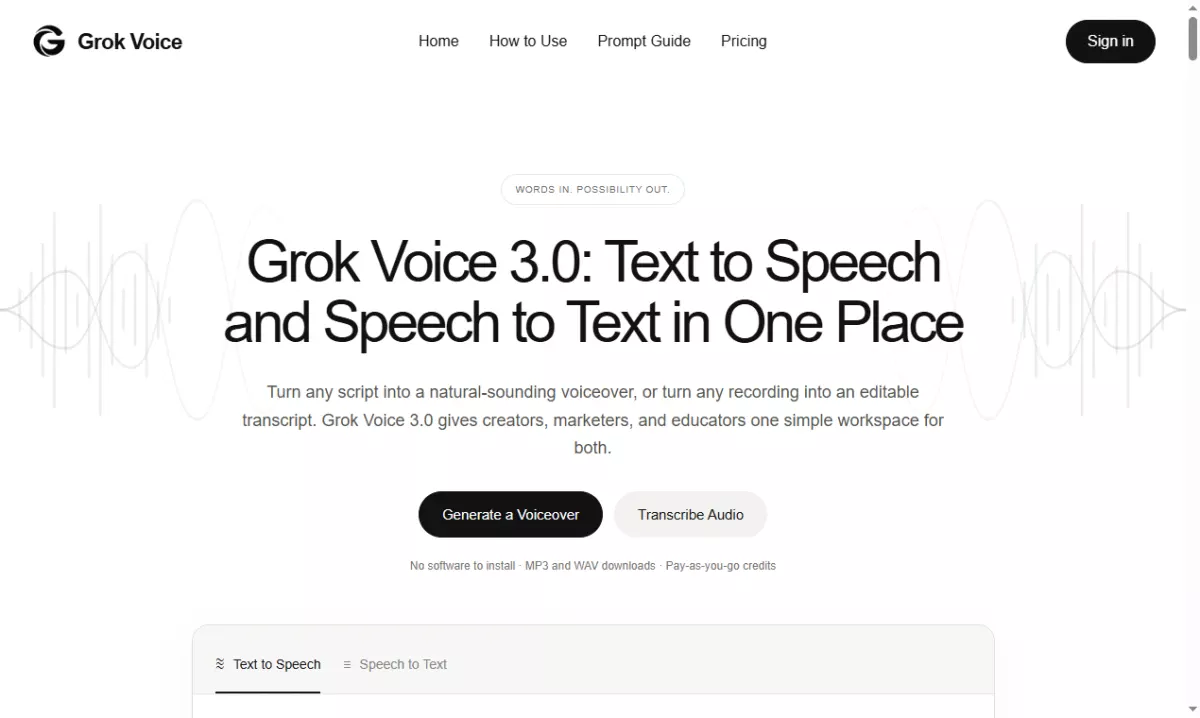
The speech to text side handles the opposite direction. Upload a recording, or point the tool at a public audio link, and it returns a transcript you can edit in place. Speaker labels matter more than they sound: an interview with two voices is unusable as a wall of text, and a labelled transcript is what makes a quote easy to find later. Custom keywords help when a product name or a person's name keeps coming back mangled, and the choice between clean and verbatim output decides whether filler words survive the pass.
Word level timestamps are the feature that quietly changes the workflow. Once each word carries a time, captions stop being a separate manual job, and a review pass becomes a matter of jumping to the exact second where a sentence went flat instead of scrubbing the whole file. For anyone publishing to video platforms, that is usually the difference between shipping captions and skipping them.
A pass-by-pass workflow that holds up
Start with the script as plain text, one idea per paragraph, and read it out loud once before generating anything. Sentences that look fine on the page often collapse in the mouth: stacked clauses, numbers written as digits, abbreviations that a reader would naturally expand. Rewriting those lines is cheaper than regenerating audio and hoping the delivery improves.
Generate in sections rather than in one long block. A sixty second explainer is easier to fix in four pieces than as a single take, because a revision then costs one section instead of the whole file. Keep the same voice and language across sections so the seams disappear, and change the audio settings only when the material genuinely changes, such as moving from a narration read to a character line.
Listen once for structure and once for detail. The first pass is about whether the pacing matches the edit; the second is about individual words, especially names, product terms and anything with a number in it. If a line reads wrong, fix the script before touching the settings. Most disappointing takes are a writing problem wearing an audio costume.
Then reuse what already exists. A finished transcript can go back into the voice generator, which means a recorded interview can become a narrated summary without retyping it. That loop is the part of the workspace that saves the most time on repeat work: transcribe, edit the copy down, and generate the new read from the same source.
Where it fits, and where it stops
This is a browser workspace, not a digital audio workstation. It will not replace a mixing session, and it is not trying to: the value is in getting clean narration and clean transcripts out quickly, then handing them to whatever editor the project already uses. Generation runs on pay as you go credits, so cost tracks output rather than a seat licence, which suits teams whose voice work arrives in bursts.
Every result is saved to My Creations, which is more useful than it first appears. When a client asks for one more revision three weeks later, the earlier take is still there with its settings, so the new version can match the old one instead of starting from scratch.
Before publishing, run the same short checklist every time: names and numbers read correctly, pacing matches the cut, captions line up with the timestamps, and the transcript has been proofread as text rather than skimmed as audio. A voice pipeline is only as good as its last review pass.
For teams producing explainers, course modules, product walkthroughs or interview based articles, the appeal of Grok Voice 3.0 is that the two halves of voice work stop living in different tools. That is a smaller claim than "studio quality in a click", and a far more useful one.
Reward this post with your reaction or TipDrop:
 Like
0
 Dislike
0
 Love
0
 Funny
0
 TipDrop
0
 Sad
0
 Angry
0
















Comments (0)